Phone:
(701)814-6992
Physical address:
6296 Donnelly Plaza
Ratkeville, Bahamas.

Phone:
(701)814-6992
Physical address:
6296 Donnelly Plaza
Ratkeville, Bahamas.
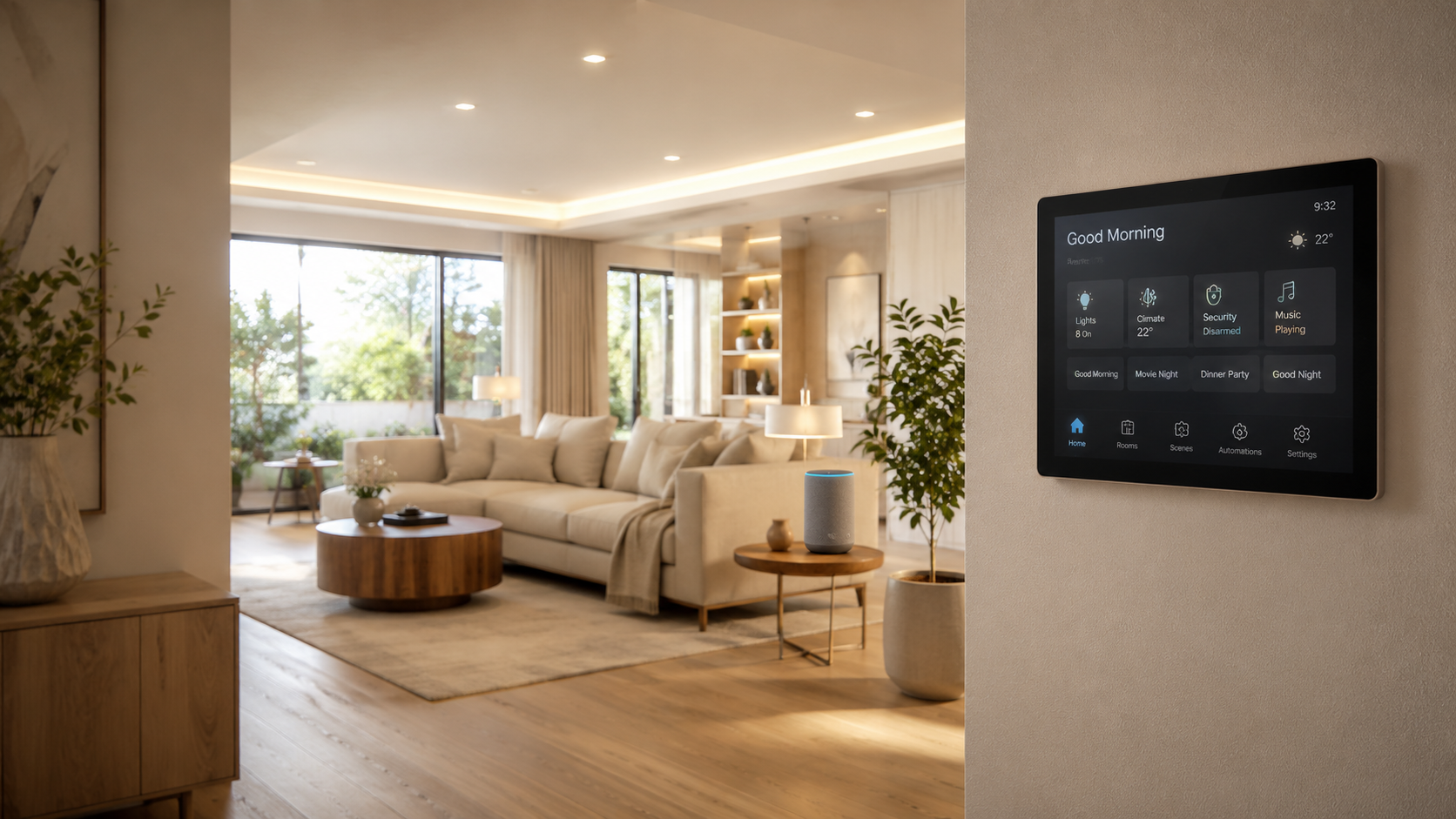
Smart home technology has reached a strange tipping point. On one end, almost anyone can walk into a hardware store, pick up a smart thermostat, a few Wi-Fi bulbs, and a smart speaker, and have something working before dinner. On the other end, whole-home automation systems running on Crestron, Control4, or Savant platforms are designed and commissioned by certified professionals over weeks of planning. The gap between those two ends is where most homeowners get stuck — they start DIY, hit a wall around the third or fourth device, and end up either abandoning the project or eventually calling smart home installers to clean up and integrate everything properly. Knowing where that wall actually is before you start saves real money and a lot of frustration.
Here’s an honest breakdown of what you can absolutely do yourself, where DIY starts breaking down, and when professional installation is genuinely the right call.
The good news is that the consumer smart home ecosystem in 2026 is more capable and more affordable than ever. Plug-and-play products from Ring, Nest, Wyze, SimpliSafe, Govee, TP-Link Kasa, and Philips Hue are genuinely designed for non-technical users, and the major voice ecosystems — Amazon Alexa, Google Home, and Apple Home — handle pairing through walkthrough flows that take minutes.
For a typical entry-level smart home setup, you can comfortably handle: a smart thermostat, a smart doorbell, smart bulbs in two or three rooms, a smart speaker per floor, smart plugs for lamps and appliances, a wireless security camera kit, and basic automation routines like “turn off everything at 11 PM” or “good morning” scenes. Total cost lands somewhere between $300 and $2,000 depending on choices, and the time investment is a weekend.
This level of automation genuinely improves daily life and is the right starting point for almost every homeowner. The mistake is assuming the same approach will scale.
The wall arrives faster than most people expect, usually somewhere between the 15th and 25th smart device. A few common patterns cause it.
Brand silos. A Philips Hue light, a Ring camera, a Nest thermostat, a SimpliSafe alarm, and a Sonos speaker each live in their own app with their own automation engine. Voice assistants paper over some of this, but real cross-device logic — “if the alarm fires after midnight, turn on the upstairs hallway lights, start camera recording, and pause the bedroom Sonos” — requires either bridging hubs or platforms that DIY ecosystems handle inconsistently.
Network overload. Consumer routers handle 25 to 40 active wireless devices well; beyond that, they start dropping connections, especially on the 2.4 GHz band where most smart home devices live. A home with 60+ smart devices needs a properly designed Wi-Fi mesh and often a separate IoT VLAN.
Hardwired requirements. Motorized shades, in-wall keypads, whole-home audio, multi-zone climate, and hardwired security systems all need low-voltage wiring run through walls. That’s not a screwdriver job.
Reliability expectations. A doorbell that drops offline once a month is annoying. A whole-home automation system that drops offline once a month is unacceptable, and the difference between the two is mostly in the design phase.
Some projects don’t have a viable DIY path at all. If your situation matches any of these, calling a professional is not optional — it’s the only way the project actually finishes.
Whole-home audio and video distribution. Multi-room audio that sounds genuinely good, video distribution from a central rack to TVs in every room, and properly designed home theater setups all require professional design and installation. Sonos can get you 60% of the way; the last 40% needs ceiling speakers, in-wall wiring, and rack equipment.
Multi-zone climate control. Replacing a single thermostat is easy. Designing a system with multiple zones, smart vents, integration with HVAC schedules, and coordination with shades and occupancy sensors is a professional job that also involves HVAC contractors.
Hardwired security and intercom systems. Anything with monitoring service certificates, fire alarm integration, multi-tenant buildings, or commercial-grade access control needs licensed installation. Most jurisdictions, including most of NY and NJ, require it by code.
Older homes without smart-ready infrastructure. Pre-1990s housing stock typically lacks the network cabling, low-voltage wiring, and electrical capacity that modern smart systems assume. Retrofitting cleanly — wires hidden in walls, no surface-mounted cable runs, proper junction boxes — is fundamentally a contractor-level job.
Whole-home platforms. Crestron, Control4, Savant, and Lutron RadioRA require certified installers to design, program, and commission. The platforms aren’t sold direct to consumers for a reason: they’re powerful precisely because they’re configured professionally.
Energy efficiency projects with measurable targets. If you’re aiming for a specific energy-savings goal (15–30% reduction is realistic), the savings come from integrated automation across HVAC, shades, lighting, and occupancy sensors working as a system. Stitching that together from DIY parts rarely delivers the modeled savings.
The most expensive smart home is the half-finished one. Common failure modes carry real costs:
A home with 40 mismatched devices across six apps frustrates everyone in the household and gradually gets abandoned — devices stop being updated, batteries die unnoticed, and the system slowly devolves into a few that still work plus a pile that’s been unplugged.
Resale value goes the wrong way. Real estate appraisers in 2026 increasingly evaluate smart home integration as a property feature, but a coherent professionally installed system adds value; a tangle of DIY devices does not, and sometimes subtracts (buyers ask for it to be removed).
Security and privacy gaps from poorly configured devices — default passwords, exposed management interfaces, unsegmented networks — can turn a smart home into a network vulnerability. Professional installers handle network segmentation as a routine part of commissioning.
Hiring a professional smart home installer is not the same as hiring an electrician to mount a smart switch. A proper installation includes a site survey that maps existing wiring, network capacity, and architectural constraints; a system design document specifying every device, cable run, and integration point; a network infrastructure upgrade if needed (mesh Wi-Fi, IoT VLAN, sometimes fiber backbone); low-voltage wiring run cleanly through walls and ceilings; equipment racks with proper cooling for hubs, controllers, and AV gear; custom programming for scenes, schedules, and conditional automations; integration across security, climate, lighting, AV, and access control under one control interface; user training so the household can actually operate the system; and ongoing support, warranty coverage, and update management.
For a typical 3,000-square-foot home with moderate automation across most rooms, this lands in the $10,000–25,000 range. Luxury whole-home installations with high-end platforms and full AV integration run $30,000–100,000+. Those numbers feel large until they’re compared to the cost of DIY equipment that gets replaced twice over the same period.
Yes, and this is what most homeowners actually do. A good installer will incorporate compatible existing devices into a new system rather than asking you to throw everything out. Just be aware that some DIY platforms (proprietary ecosystems) integrate more easily than others.
A typical 3-bedroom home with moderate automation lands in the $8,000–15,000 range for professional installation. Whole-home luxury systems with high-end AV and full platform integration can reach $30,000–100,000. The cost-per-room generally decreases as the project scales up.
Almost always yes. Professional platforms are designed to coexist with consumer voice assistants — you keep your “Alexa, turn off the lights” workflow and gain professional-grade reliability and cross-device automation underneath.
Not always, but often partially. Many systems use wireless protocols (Z-Wave, Zigbee, Matter) that work without new wiring. Whole-home audio, motorized shades, and hardwired security do require new low-voltage runs. A good installer will tell you upfront what’s wireless and what needs to be pulled through walls.
The DIY-versus-professional question doesn’t have one right answer — it has a threshold, and the threshold is determined by how many systems you want to integrate, how reliable the result needs to be, and whether the home’s existing wiring can support it. Smart home technology rewards a clear-eyed assessment of which category your project falls into before any hardware gets purchased.